Pourquoi faire tourner son propre hyperviseur, ici spécifiquement
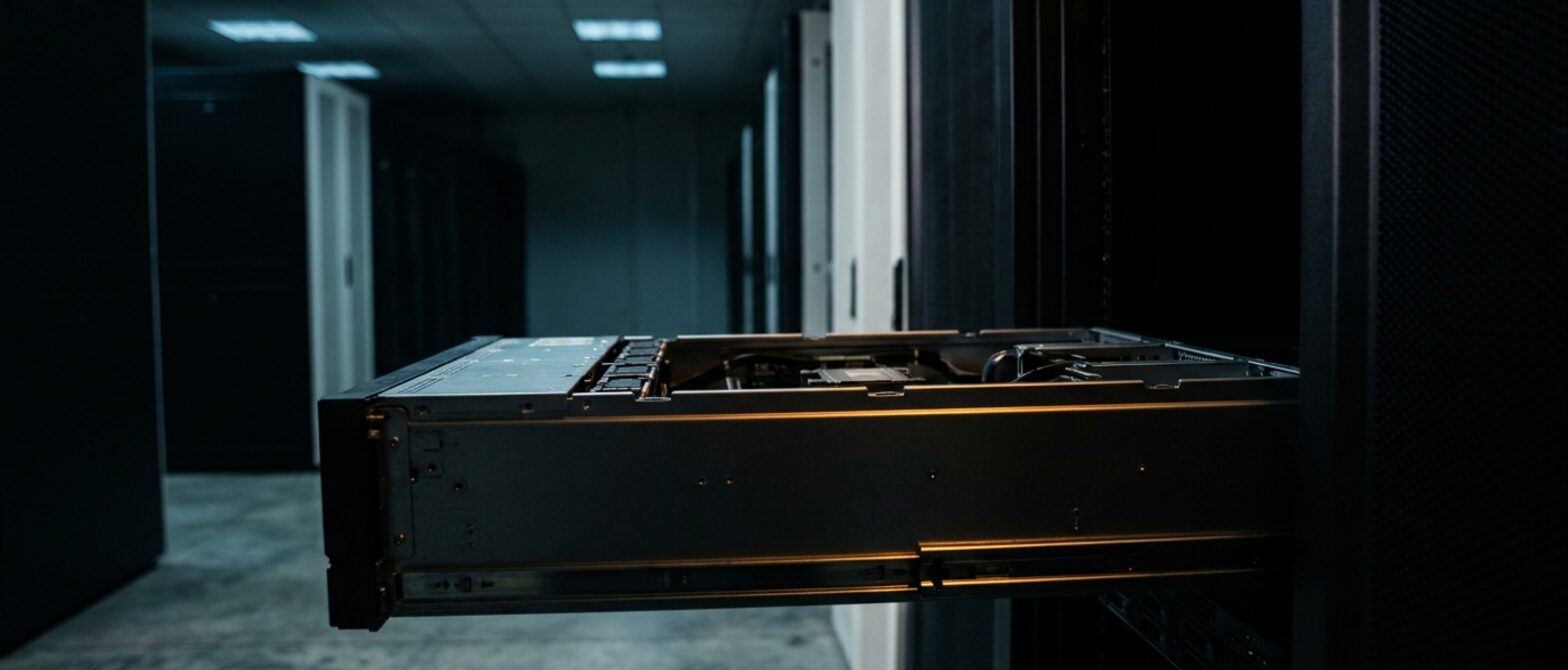
Sur n'importe quelle machine virtuelle, où que ce soit, l'opérateur de l'hyperviseur peut en principe voir l'invité. Ce n'est pas une affirmation sur la conduite de qui que ce soit, c'est ainsi que fonctionne la virtualisation. Faire tourner Proxmox sur votre propre machine dédiée élimine entièrement cette partie : matériel monolocataire dans une baie verrouillée, et l'hyperviseur est à vous.
Combinez cela avec une juridiction choisie pour son droit et un compte qui n'a jamais connu votre nom, et le nombre de parties qui pourraient être contraintes d'agir sur votre charge de travail devient très faible. C'est le véritable argument de cette page.
La question de l'abonnement
Proxmox VE est gratuit et pleinement fonctionnel sans abonnement. Un abonnement donne accès au dépôt entreprise et au support de l'éditeur. Sans lui, vous utilisez le dépôt sans abonnement, qui est le même logiciel sur une voie légèrement plus rapide, et vous fermez une boîte de dialogue à la connexion.
Rien ici ne vous oblige à en acheter une et rien ici n’en revend une. Si vous voulez le support éditeur, achetez-le directement chez Proxmox.
Du matériel adapté pour cela
- Beaucoup de RAM, car c'est ce qui manque en pratique. C'est le premier paramètre à revoir à la hausse.
- Deux disques minimum pour un miroir ZFS ; l'installateur s'en charge.
- IPMI, inclus sur chaque machine dédiée ici — un hyperviseur que vous ne pouvez pas atteindre hors bande est un hyperviseur pour lequel vous finirez par payer quelqu'un pour se déplacer.
- Une seconde machine si vous voulez du clustering et de la migration à chaud, c'est là que cela devient vraiment intéressant.
L'installer
Proxmox VE 8 est proposé comme image de premier rang sur bare metal. Si vous préférez lancer vous-même l'installateur avec votre propre fichier de réponses, ISO personnalisé et PXE sont disponibles sur chaque machine dédiée.
Questions réellement posées
Puis-je revendre des machines virtuelles à partir de cela ?
Techniquement, rien ne vous en empêche. La politique d'utilisation acceptable s'applique à ce qui tourne dessus, et elle s'applique au contenu de vos clients autant qu'au vôtre — un point à avoir pesé avant de vendre le premier compte.
Le gérez-vous ?
Non. C'est votre hyperviseur, c'est bien le principe. Un ingénieur aidera pour le matériel et le réseau en dessous.
Ce pour quoi c'est réellement bon
- Vous devenez l'opérateur de l'hyperviseur. Personne d'autre n'a accès à la couche sur laquelle s'exécutent vos machines virtuelles, ce qui constitue une position de sécurité réellement différente.
- KVM et LXC dans une seule interface : isolation forte et conteneurs économiques cohabitent sur la même machine.
- Prise en charge de ZFS et Ceph dans l'installateur, et une sauvegarde qui fait partie du produit plutôt qu'un module complémentaire.
Choisissez-en un autre si
-
 VMware ESXi
Votre organisation utilise déjà vSphere, et l'outillage ainsi que les compétences du personnel sont le facteur décisif.
VMware ESXi
Votre organisation utilise déjà vSphere, et l'outillage ainsi que les compétences du personnel sont le facteur décisif.
-
 Debian
Vous voulez des conteneurs plutôt que des machines virtuelles, et préférez faire tourner Docker ou Podman directement sur le métal.
Debian
Vous voulez des conteneurs plutôt que des machines virtuelles, et préférez faire tourner Docker ou Podman directement sur le métal.
Cette liste existe parce qu'une page incapable de citer une situation où une autre solution serait la bonne n'est qu'une publicité. Chaque image de cette structure est incluse dans le prix de la machine : il n'y a donc rien à vous vendre ici — seulement celle qui convient.
Versions et dates de support sont vérifiées en amont à chaque changement. Dernière révision : 31 juillet 2026.
Chaque prix de ce parc de serveurs est publié intégralement, à un seul endroit. Voir le catalogue complet